People from all over the world Chat in your own language Your visibility, under your control
ONE APP, NEW POSSIBILITIES
Discover a world that feels close to you.
Start with the country you’re curious about. One profile, one invitation, one conversation. The rest is your story.
Take a closer look at 72 · Explore by swiping
01 / 06
01
Meet new people.
02
Set your own course.
03
Understand each other.
04
Share your moments.
05
Stay connected.
06
You set the boundaries.
DIFFERENT LANGUAGES. SAME FEELING.
Be yourself. Let 72 translate.
Write what’s on your mind in your own language, or say it out loud. Let the other person understand you in theirs.
Text and voice translation
Translated subtitles for your videos
Support for 86 languages
Translation use depends on your plan and token balance. AI translations may contain errors.
SAMPLE CHAT72
Choose a language. See how the conversation changes.
YOU
Will you show me around your city someday? 😊
SENT IN UKRAINIAN
Покажеш мені колись своє місто? 😊
✓✓
REPLY YOU RECEIVED
З радістю! Тут стільки всього цікавого 💜
IN YOUR LANGUAGE
Absolutely! There’s so much to see here 💜
This is an interactive example of the translation experience.
A VOICE. A FACE. A REAL CONNECTION.
Feel closer. Speak your language.
Make a voice or video call. When your selected languages differ, 72 helps you understand each other with spoken translation in both directions.
143countries
86languages
Store availability varies by country and testing status.
01
Voice calls
A familiar voice, wherever you are.
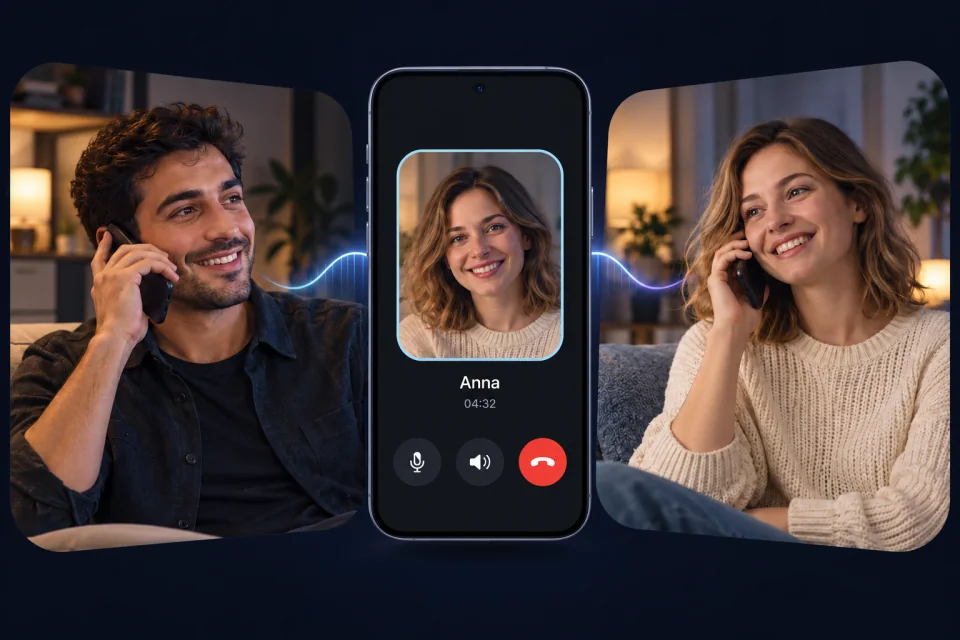
Start a voice call from your permanent chat. Talk without opening the camera, switch to speakerphone, or mute your microphone. When you both select the same language, talk without translation.
Camera stays off · Microphone and speaker controls
72 Global Chat
02
Calls with spoken translation
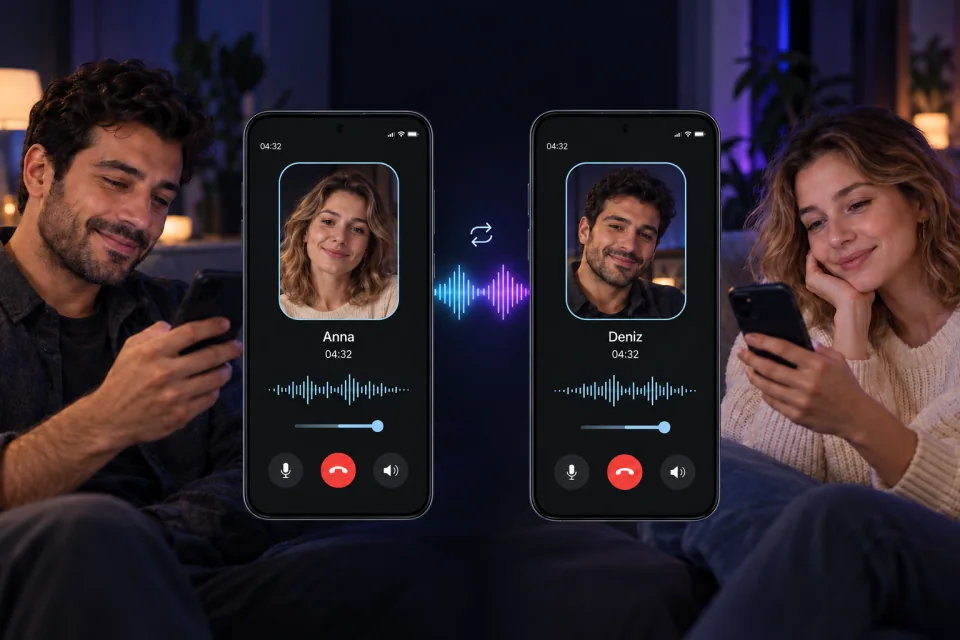
You speak. 72 translates out loud.
Speak in your own language and hear the other person in yours. Automatic spoken translation starts when your selected languages differ. A brief processing pause helps the system understand a phrase before translating it.
Two-way spoken translation · Adjustable original and translated audio
72 Global Chat
03
Video calls with spoken translation
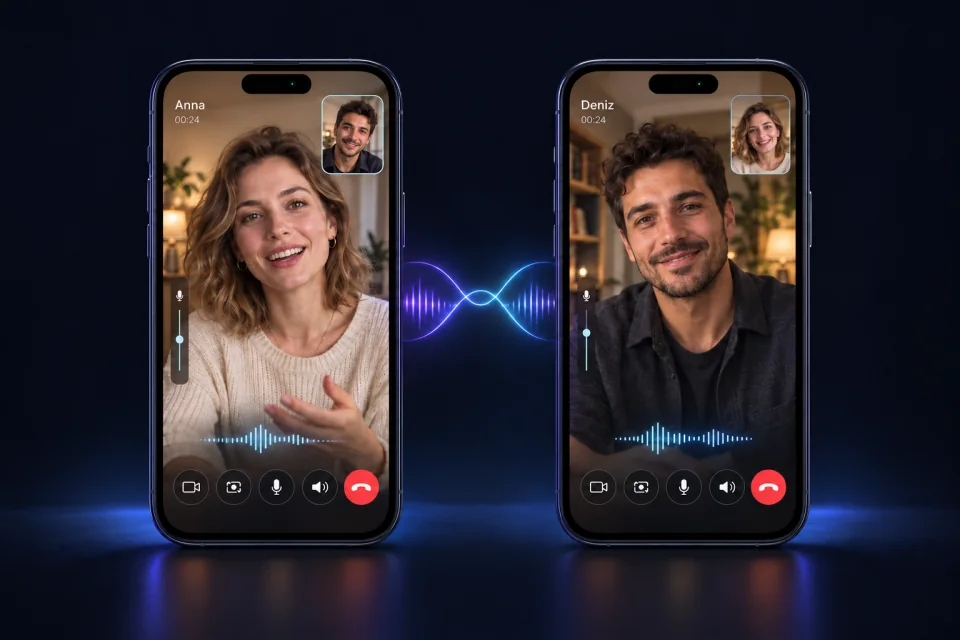
See the smile. Hear the meaning.
See each other while you talk in your own languages. 72 combines video calls with spoken translation, so you can follow the conversation and each other’s expressions. Control your camera, microphone and speaker during the call.
Face-to-face conversation · Spoken translation in both directions
72 Global Chat
Illustrative screens with AI-generated people.
Make room for a good conversation.
Headphones are recommended, but optional. In a noisy place, or if translations overlap, switch to tap-to-talk mode.
Translation uses your available token balance. Live voice and video translation generally uses more tokens than text or voice messages; usage depends on the conversation, not just its duration.
AI translation can make mistakes. Confirm important details with the other person.
Before your first call
How do I start a call?+
Open a permanent chat, tap +, choose Video / voice call, then select a call type. The other person can accept or decline. You both need a compatible app version and an internet connection. Voice calls require microphone permission; video calls also require camera permission.
Does every call use translation?+
No. When you both select the same app language, translation is not needed. When your selected languages differ, automatic spoken translation can start using the available translation balance.
Can I switch apps during a call?+
During an active call, audio and translation can continue in the background. The camera pauses; when you return to 72, it resumes if it was previously on. Background operation depends on the required permissions and your device settings.
MORE THAN WORDS
A view. A laugh. Your world.
Photos, audio, videos, and animated emojis… add a little of yourself to the chat.
PhotoVideoVoiceLocationSticker
Let your video speak in your language too. Create translated subtitles for videos up to 60 seconds long; review, place them, and share.
First download TestFlight, then join 72. That’s it.
Apply using the email address you use with Google Play. When we add you to the test list, we’ll email you the download link.
Try 72 ↑How do I chat with someone who speaks a different language?+
You can type your message in your own language or send it by voice. The translation feature helps you understand the conversation in the other person’s language. Translation use depends on your account plan and available token balance.
Do chats disappear after 24 hours?+
No. 24 hours is the time window for accepting a conversation request. Once the request is accepted, a permanent chat begins; it is not deleted when that window ends.
Can I change my profile visibility?+
Yes. In privacy settings, you can manage your profile visibility and change your preferences by city or country. Blocking and reporting are also available in the app.
Who is 72 for?+
72 is for users 18 and older who want to meet and chat with people from different countries.
Optional website analytics
Allow visit statistics to help improve 72? This is optional. You can use the website normally if you decline, and change your choice later.

 TestFlight iOS · Beta